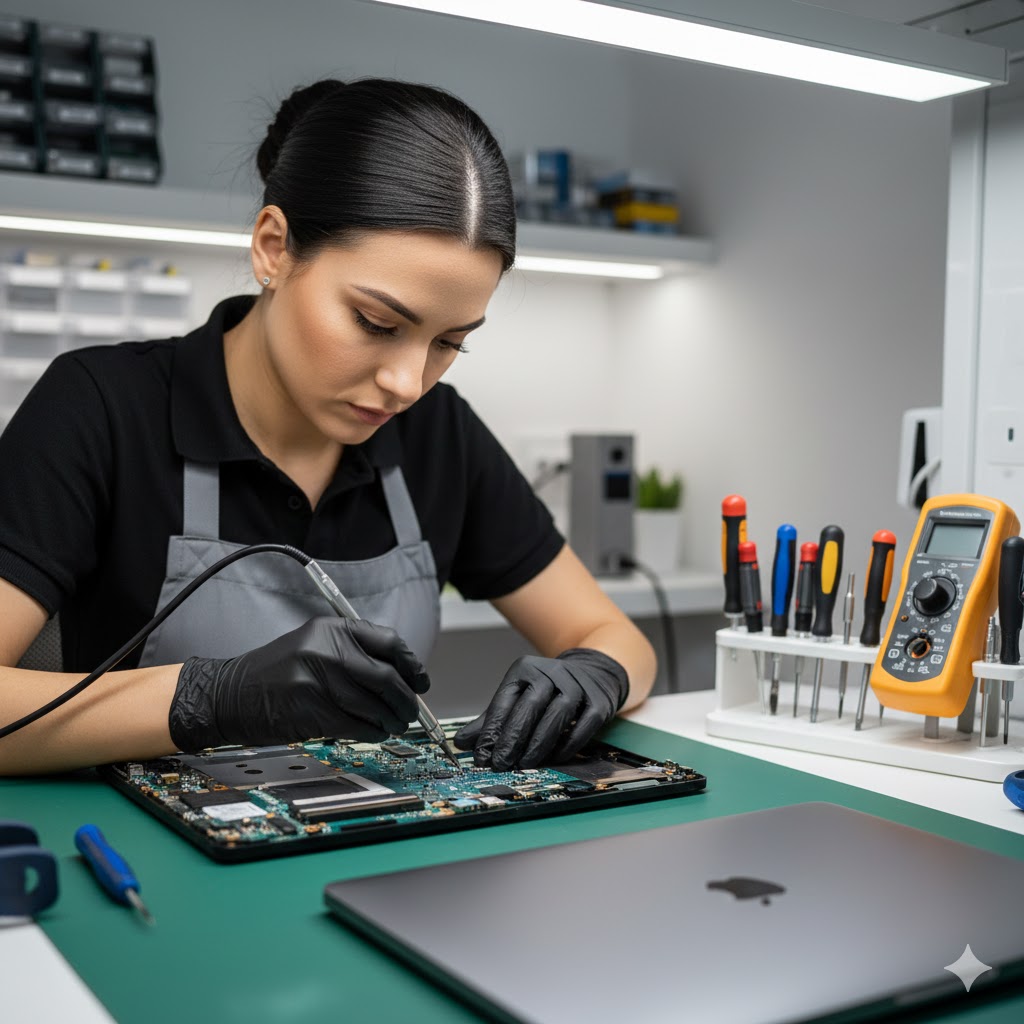
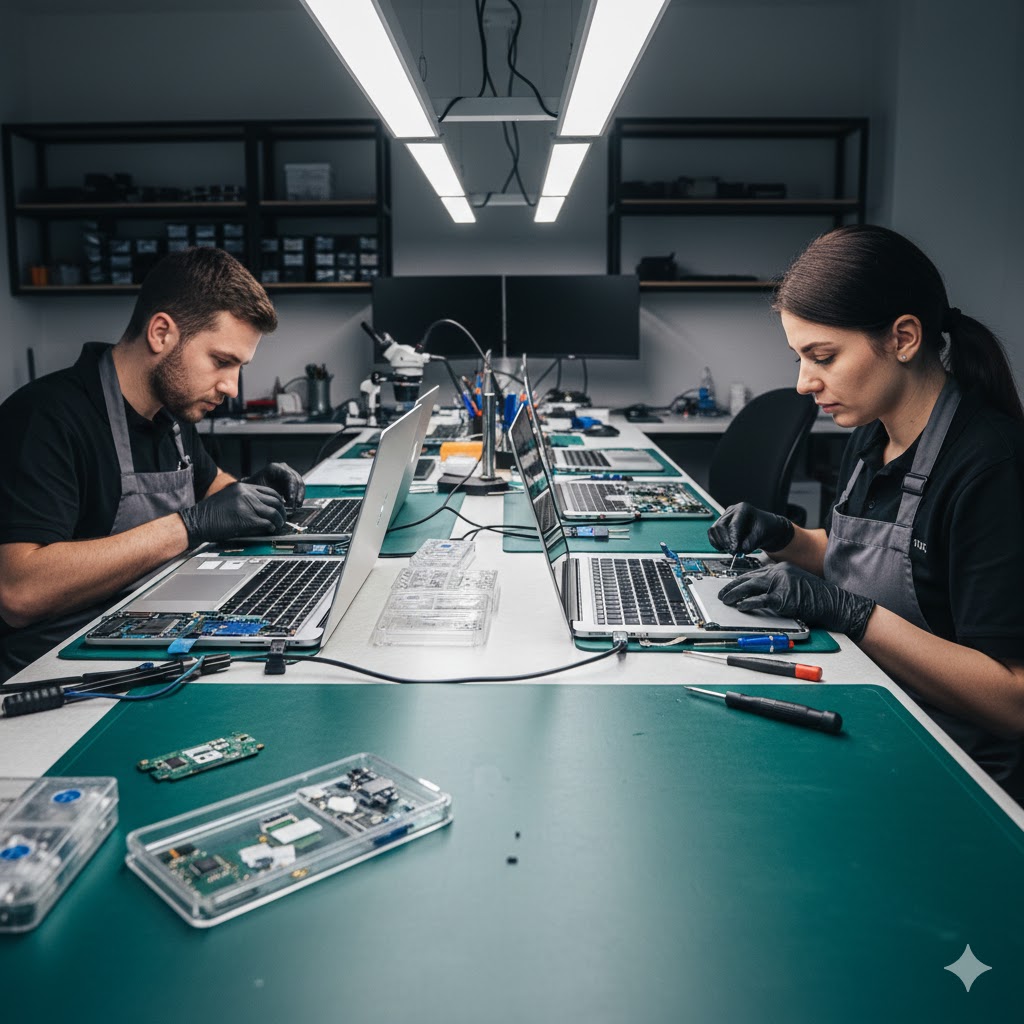
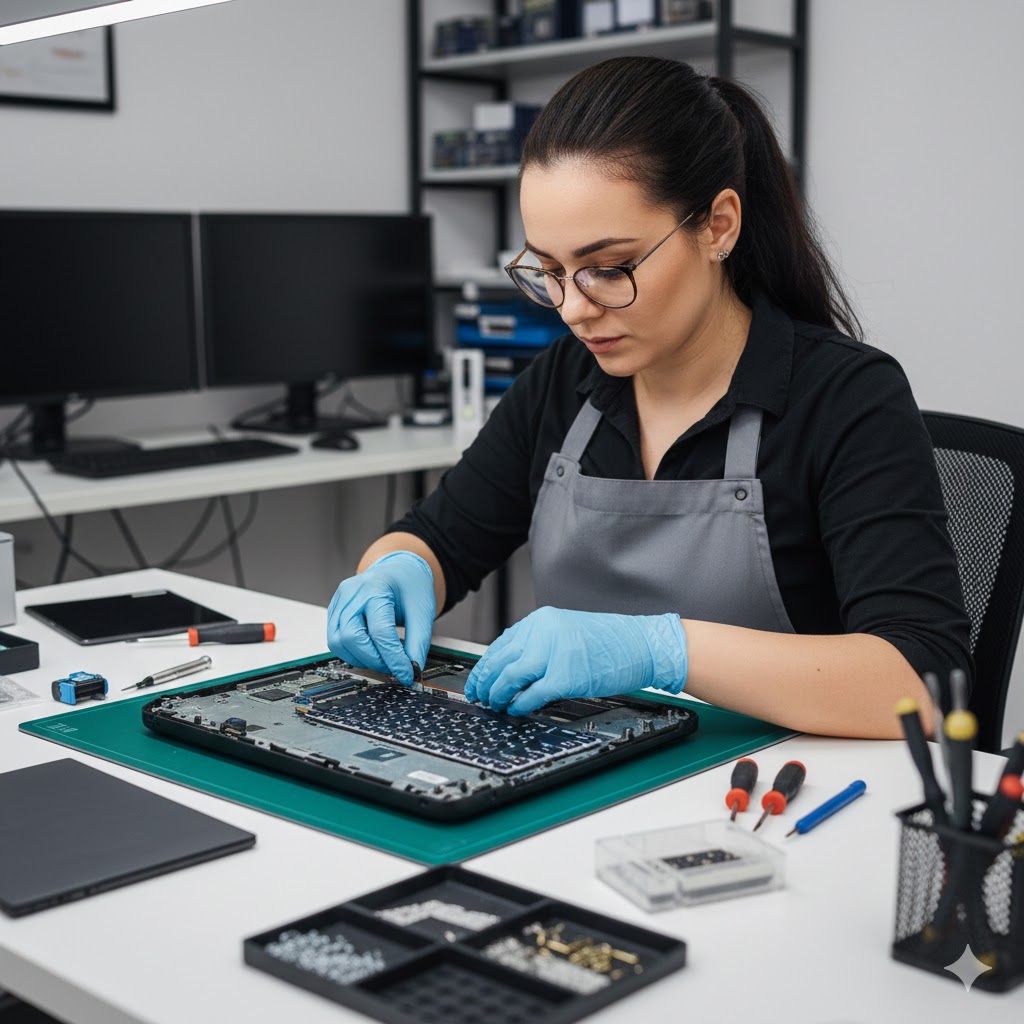
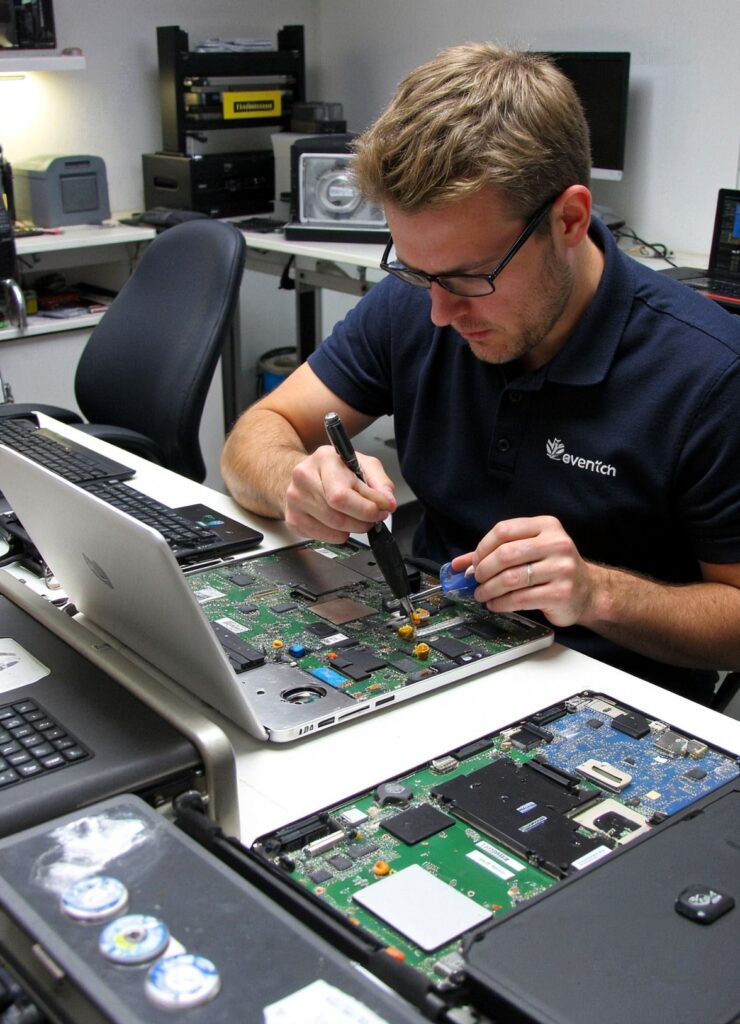
MacBook repair in Chiswick and Brentford is something our local workshop handles every single day — from cracked screens and dead batteries to liquid damage and failing keyboards across every MacBook Air and MacBook Pro model. If you’re based in W4, TW8, or anywhere nearby and your MacBook needs attention, we offer the same quality repair work as Apple’s own service at a significantly lower cost, with a genuine local presence and same-day turnaround on most faults.
We work with MacBook owners from across the local area — from creative freelancers and remote workers in Brentford’s waterfront offices to students and families around Gunnersbury and Turnham Green. If you’re searching for MacBook repair near me in the Chiswick or Brentford area, you’ve found the right place.
MacBook Faults We Repair in Chiswick & Brentford
MacBook screen replacement — cracked, shattered, or blackout displays on Air and Pro models
MacBook battery replacement — swollen, draining fast, or not charging at all
MacBook keyboard repair — sticky, unresponsive, or missing keys including butterfly mechanism models
MacBook liquid damage — urgent assessment and board-level corrosion repair
Charging port and MagSafe repair — won’t charge or intermittent connection
MacBook overheating — thermal paste renewal and fan cleaning for older models
MacBook SSD upgrade — faster storage and more space, with full data transfer
MacBook not turning on — power circuit diagnosis and repair
macOS reinstallation — clean install for slow or unstable systems
Touch Bar issues — repair or replacement on affected MacBook Pro models
MacBook Repair Costs — Chiswick & Brentford 2026 Our pricing is typically 40–70% lower than Apple’s official out-of-warranty service rates, as confirmed by Apple’s own MacBook repair pricing page. We use high-quality compatible parts, and every repair includes a 90-day warranty on parts and labour.
MacBook Repair
Typical Cost
MacBook Air screen replacement
£180 – £280
MacBook Pro 13″ screen replacement
£220 – £350
Battery replacement (Air or Pro)
£90 – £150
Keyboard replacement
£120 – £200
Charging port repair
£80 – £140
Liquid damage assessment & repair
£120 – £400+
SSD upgrade (inc. data transfer)
£100 – £200
macOS reinstallation
£60 – £90
Free diagnostic
Always free
Why Chiswick & Brentford MacBook Owners Choose Us Over Apple
Taking your MacBook to an Apple Store or Apple Authorised Service Provider isn’t always the right choice — especially for out-of-warranty repairs. Apple’s pricing for out-of-warranty screen and battery replacements is significantly higher than what we charge, and their turnaround time is typically 5–7 business days via their postal service. Our Chiswick workshop offers same-day repair in most cases, a 90-day warranty on all work, and technicians who will explain the issue clearly before starting anything. Which?’s MacBook reliability data also highlights that battery and display issues are the most common faults in MacBooks over three years old — both of which we handle daily at prices that make repair a sound investment. The UK’s Right to Repair regulations increasingly support consumers in choosing independent specialists, and our parts quality meets the same standard as Apple’s own replacements.
Should You Repair or Replace Your MacBook?
MacBooks hold their value exceptionally well compared to Windows laptops. A well-maintained 2019 MacBook Pro still commands £500–£800 on the secondhand market, making a £150 battery replacement or £240 screen repair a genuinely smart financial decision. As a rule of thumb: if your MacBook is under six years old, Apple still supports it with the current version of macOS, and the repair cost is less than 40% of its secondhand value — repair is almost always the right call. Our technicians will always give you an honest assessment during your free diagnostic, and will tell you openly if replacement makes more sense than repair.
Frequently Asked Questions
Q: How close are you to Brentford — is it worth coming to Chiswick for MacBook repair?
A: Chiswick is typically 10–15 minutes from central Brentford by car or bus. Given that most MacBook repairs are completed same-day, you’ll have your machine back the same day you drop it off — which no postal Apple service can match.
Q: Do you offer a warranty on MacBook repairs?
A: Yes — every MacBook repair we carry out includes a 90-day warranty on both parts and labour.
Q: Is your MacBook repair cheaper than going to the Apple Store?
A: Yes, typically 40–70% cheaper for out-of-warranty repairs. We’ll give you a full written quote before starting any work so you can compare.
Q: Can you fix a MacBook that has had liquid spilled on it?
A: Often yes — especially if you bring it to us quickly without attempting to power it on. Same-day liquid damage assessment is available. The faster you act, the better the outcome.
Anchor: “Apple’s official MacBook repair pricing” → https://support.apple.com/en-gb/mac/repairAnchor: “Which? MacBook reliability data” → https://www.which.co.uk/technology/computing/laptops/apple-macbookAnchor: “UK Right to Repair regulations” → https://www.gov.uk/government/consultations/right-to-repair
Introduction Our laptop repair service in Brentford and Chiswick gets broken, slow, and damaged laptops back up and running — usually the same day you bring them in. Whether you’ve cracked your screen in Brentford, your laptop won’t charge in W4, or you’ve been battling a sluggish machine for months somewhere in between, our Chiswick workshop is minutes away and ready to help. This guide covers the most common laptop faults we fix for local customers, what they typically cost, and how to know when it’s time to stop Googling solutions and just bring it in.
We see laptops from customers all across the local area — students from the nearby schools and colleges, remote workers based around Brentford’s regenerated waterfront, and small business owners on Chiswick High Road who can’t afford to be without their machine for more than a few hours.
Most Common Laptop Repairs We Handle in Brentford & Chiswick
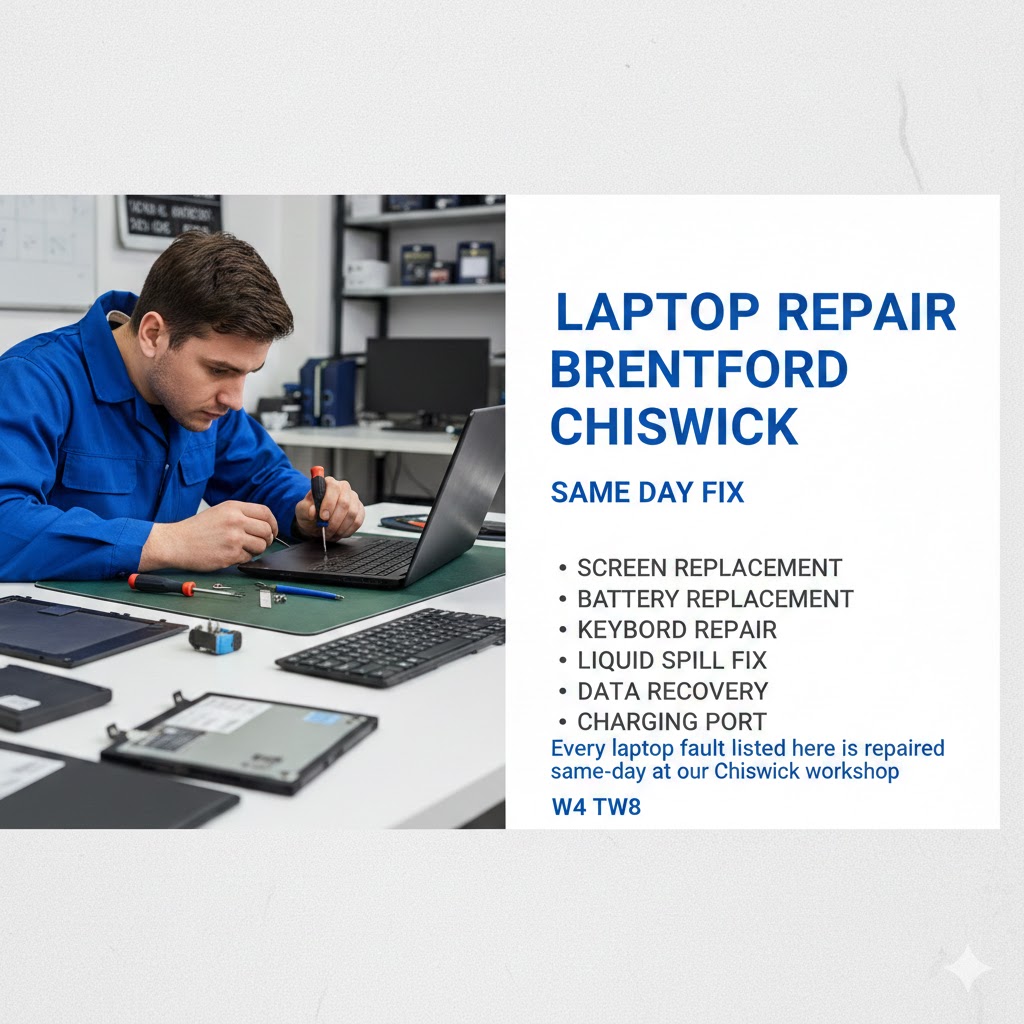
Every laptop fault listed here is repaired same-day at our Chiswick workshop
Cracked or broken laptop screen — the most common repair we handle, completed same-day
Laptop won’t turn on — power rail faults, dead battery, or failed charging port
Laptop running very slowly — SSD or RAM upgrade, virus removal, or Windows clean install
Overheating and fan noise — thermal paste replacement and deep vent cleaning
Liquid damage from spills — fast action assessment and board-level repair
Keyboard not working — individual key replacement or full keyboard swap
Battery draining too fast — genuine replacement batteries for all laptop brands
Laptop not connecting to Wi-Fi — driver fix or wireless card replacement
Charging port broken or loose — soldered repair or port replacement
Laptop making clicking noise from the hard drive — urgent data backup and SSD replacement
How to Know When to Stop Googling and Just Bring It In
Some faults need professional tools — our Chiswick workshop is 15 minutes from Brentford
There is a lot of useful advice online about fixing laptops yourself, and some of it genuinely works — restarting, clearing startup programmes, running a malware scan. But certain symptoms are warning signs that home fixes can’t address and that delaying professional repair will make things worse. If your laptop is clicking or grinding (potential drive failure — your data is at risk right now), shutting off due to heat, showing a cracked screen that is spreading, or refusing to power on at all, bring it to us immediately. According to Which?’s guide to laptop lifespans, most laptops have a useful life of four to seven years — but with timely repairs and upgrades, many run well beyond that. A £100 SSD upgrade today is almost always better than a £600 replacement laptop next month. The NCSC also advises that keeping devices maintained and secure — including removing malware promptly — protects not just performance but your personal data too.
We are the most convenient laptop repair option for residents and businesses in Brentford (TW8), Chiswick (W4), Kew (TW9), Gunnersbury, Ealing (W5), and Acton (W3). Rather than posting your laptop to a repair centre and waiting two weeks, or trusting a mobile technician with no fixed address, you can bring your device to our fully equipped workshop, speak to the technician who will be working on it, and in most cases collect it the same day. We also accept walk-ins, though booking ahead means we can check parts availability before you arrive. Microsoft’s guide to Windows startup apps is one of those fixes you can try before coming in — but if the slow performance persists after the basics, an SSD upgrade at our workshop will solve it permanently.
Frequently Asked Questions
Q: Can you repair my laptop the same day in Chiswick?
A: Yes — most common repairs including screen replacements, battery swaps, SSD upgrades, and virus removal are completed same-day at our Chiswick workshop. Drop in or book ahead for guaranteed availability.
Q: I’m in Brentford — is it worth travelling to your Chiswick workshop?
A: Absolutely. Chiswick is typically a 10–15 minute drive or short bus ride from central Brentford. Given that most repairs are done same-day, you’ll have your laptop back before the end of the day.
Q: My laptop screen is cracked — can it be repaired or does it need replacing?
A: Cracked screens are always replaced rather than repaired — the LCD and glass are bonded together. We stock screens for most common laptop brands and can usually replace yours same-day.
Q: Is it cheaper to repair or replace an old laptop?
A: For laptops under six years old, repair is almost always cheaper. An SSD upgrade (£90–£180) or battery replacement (£70–£150) can add years of useful life and costs a fraction of a new machine.
Anchor: “Which? guide to laptop lifespans” → https://www.which.co.uk/technology/computing/laptopsAnchor: “Microsoft’s guide to Windows startup apps” → https://support.microsoft.com/en-gb/windows/change-which-apps-run-automatically-at-startup-9115d841-735e-488d-e749-9ba301d441e6Anchor: “NCSC advice on keeping devices secure” → https://www.ncsc.gov.uk/collection/top-tips-for-staying-secure-online
If you’re searching for computer repair in Chiswick or Brentford, computer-mobile.co.uk is your local specialist — serving W4, TW8, and the surrounding streets with same-day laptop and PC repairs from our workshop just minutes away. Whether your screen has cracked, your laptop won’t start, or your PC is crawling to a halt, our Chiswick-based technicians are on hand to fix it fast, at a fair price, with no hidden fees.
We work with customers from across the local area every day — from residents on Chiswick High Road and families near Gunnersbury Park to businesses based in Brentford’s Great West Quarter and Kew Bridge. If you’re in W4, W5, TW8, TW9, or TW10, we’re your nearest professional repair workshop.
What We Repair — Full Service List for Chiswick & Brentford
Laptop screen replacement — cracked, flickering, or blackout screens on all brands
Slow laptop & PC diagnostics — identifying and fixing performance bottlenecks
Virus and malware removal — full system clean with no data loss
SSD and hard drive upgrades — dramatic speed improvements, same-day installation
RAM upgrades — more memory means faster multitasking
Water and liquid damage recovery — fast action increases recovery chances
Data recovery — retrieving lost or deleted files from failed drives
Windows reinstallation — clean OS install when software fixes aren’t enough
Power and charging port repair — laptops and desktops
Serving Chiswick, Brentford & Every Nearby Postcode
Our workshop is the go-to computer repair destination for residents and businesses across West London. We regularly serve customers from Chiswick (W4), Brentford (TW8), Kew (TW9), Richmond (TW10), Gunnersbury, Ealing (W5), Acton (W3), Hammersmith (W6), and Putney (SW15). If you can be at our workshop within 20 minutes, we can almost certainly have your device repaired and back in your hands the same day. There is no need to post your laptop away and wait two weeks — we diagnose faults in person, quote you transparently before starting, and complete most repairs while you wait or within a few hours.
Frequently Asked Questions
Q: Where exactly are you located — can I walk in from Brentford or Chiswick?
A: Our workshop is in Chiswick, easily reachable from both Chiswick High Road and Brentford town centre — typically a 5 to 15 minute journey depending on where you’re coming from. Walk-ins are welcome, or you can book a slot online.
Q: How long will my repair take?
A: The majority of repairs — screen replacements, SSD upgrades, virus removal, RAM upgrades — are completed same-day. We’ll always give you a realistic timeframe when you drop off.
Q: Do you come to me, or do I need to bring my device in?
A: Our workshop-based model means we have access to all our tools, parts, and testing equipment — which means faster repairs and better results than mobile-only technicians. Most Chiswick and Brentford customers find the trip takes under 15 minutes.
Q: Do you work on both Windows and Mac computers?
A: Yes — we repair all Windows laptops and desktop PCs, MacBooks, and iMacs across all major brands and model year
outbound links
Anchor: “Chiswick High Road business directory” → https://www.chiswickw4.com/Anchor: “Brentford FC Community Sports Trust” → https://www.brentfordfc.com/en/communityAnchor: “Trading Standards advice on repair shops” → https://www.tradingstandards.uk/consumers/
There’s nothing more fruIf you’re wondering how to fix a slow laptop, you’re not alone — it’s one of the most common questions we get at our Chiswick repair workshop. Whether your laptop takes five minutes to boot, freezes mid-task, or crawls through basic web browsing, the good news is that most causes are fixable — sometimes in minutes. In this guide we’ll walk you through 10 practical, expert-backed solutions, and explain the signs that mean it’s time to see a professional technician.
Why Is My Laptop So Slow? (Common Causes)
Understanding the root cause is half the battle. The most common reasons a laptop slows down include: too many programmes launching at startup and consuming RAM before you’ve even opened a browser; a hard drive that is nearly full, forcing the operating system to work harder to find free space; malware running silently in the background; overheating causing the CPU to throttle its own speed to avoid damage; outdated drivers or a Windows installation that has accumulated years of junk; and ageing hardware that simply cannot keep pace with modern software demands. Identifying which category you’re in will help you apply the right fix — rather than wasting time on solutions that don’t match your problem.
10 Ways to Fix a Slow Laptop
Restart your laptop — A fresh restart clears RAM and closes background processes that accumulate over days of continuous use. It’s the simplest fix and surprisingly often overlooked.
Disable startup programmes — Press Ctrl + Shift + Esc to open Task Manager, click the Startup tab, and disable anything you don’t need loading at boot. See Microsoft’s official guide on startup apps for a full walkthrough. This alone can cut boot times dramatically.
Run a full malware scan — Use Windows Defender or a tool like MalwareBytes free scanner. Silent malware is one of the leading — and most overlooked — causes of sudden slowdowns.
Free up disk space — If your drive is more than 85% full, performance drops sharply. Delete old downloads, empty the Recycle Bin, and run Disk Cleanup (search for it in the Start menu).
Update Windows and all drivers — Go to Settings > Windows Update. Outdated operating system files and drivers cause compatibility slowdowns that are easy to fix with a single update.
Change your power plan — Go to Control Panel > Power Options and switch from ‘Power Saver’ to ‘Balanced’ or ‘High Performance’ when plugged in. Power Saver actively limits CPU speed.
Upgrade your RAM — If your laptop has 4GB or less, upgrading to 8GB or 16GB is one of the most cost-effective performance boosts available. Most Windows laptops from the last decade support RAM upgrades.
Replace your hard drive with an SSD — Swapping a traditional spinning hard drive for a solid-state drive is the single biggest speed upgrade you can make. Boot times drop from minutes to under 30 seconds. Our laptop repair service includes SSD upgrades with full data transfer.
Clean the vents — Dust buildup forces the processor to slow itself down to avoid overheating. Carefully use compressed air to clear the exhaust vents. If the fan is very loud or the laptop shuts off from heat, bring it in for a professional clean.
Reinstall Windows cleanly — As a last resort, a clean Windows installation removes all accumulated software conflicts and junk files. Always back up your data first — or better yet, have a technician do it to ensure nothing is lost.
When Should You See a Professional?
If you’ve worked through the steps above and the laptop is still struggling, there’s likely a hardware issue at play that home fixes can’t resolve. Key warning signs that you need a professional include: the laptop shutting itself off due to overheating (thermal paste may have dried out on the CPU), a strange clicking or grinding sound from the hard drive (a classic sign of imminent drive failure — back up immediately), the machine refusing to complete Windows updates, or a laptop that is over five to six years old and degrading beyond what software tweaks can address. According to Which?’s guide to laptop lifespans, most laptops have a practical lifespan of four to seven years — but with the right repairs and upgrades, many can run well beyond that. A professional technician can run a full diagnostic in under an hour, pinpoint the exact cause, and often have your machine running like new the same day.
Frequently Asked Questions
Q: How much does it cost to fix a slow laptop in London?
A: Minor fixes like an SSD upgrade or RAM boost typically cost £80–£180 including parts and labour at our Chiswick workshop. A full diagnostic starts from £25 and is deducted from the repair cost if you proceed.
Q: Can a slow laptop be repaired without losing my files?
A: Yes, in almost all cases. Hardware upgrades and software fixes don’t require wiping your data. If a clean OS reinstall is the best solution, we always back up your files first.
Q: How long does laptop repair take?
A: Most common repairs — SSD upgrades, RAM upgrades, virus removal — are completed same-day at our Chiswick workshop. We’ll give you an honest timeframe when you book your diagnostic.
Q: Is it worth fixing an old laptop or should I just buy a new one?
A: For laptops under six years old, repair is almost always the better financial decision. An SSD upgrade and RAM boost costing £150 can add three to four years of useful life to a laptop that would cost £400–£600 to replace.
Microsoft’s official guide on startup apps → https://support.microsoft.com/en-gb/windows/change-which-apps-run-automatically-at-startup-9115d841-735e-488d-e749-9ba301d441e6 | • Which? guide to laptop lifespans → https://www.which.co.uk/technology/computing/laptops | • MalwareBytes free scanner → https://www.malwarebytes.com/
Introduction MacBook repair in Chiswick and Brentford is something our local workshop handles every single day — from cracked screens and dead batteries to liqu...
IntroductionOur laptop repair service in Brentford and Chiswick gets broken, slow, and damaged laptops back up and running — usually the same day you bring them...